


Connections
OBD
Bench
Boot
OBD
Read and write from the diagnostic port.
Bench
Direct access to the control unit via connector, for reading, writing and cloning without opening the control unit.
Boot
Full access to the internal memories, for total control with the control unit open.
Control units
ECU
Transmission
ACM
Urea
ECU
Engine management control unit.
TCU
Automatic transmission control unit.
ACM
After-treatment systems control unit.
UDM
Urea dosing control unit.
Vehicles
Car
Bike
Marine
Truck
Tractor
Car
Cars and light commercial vehicles.
Bike
Motorcycles, mopeds, quads and UTVsTractor
Tractors, agricultural machinery and off-highway vehicles
Marine
Inboard and outboard boats
Truck
Articulated trucks and heavy transport vehicles
Tractor
Tractors, agricultural machinery and off-highway vehicles
Extra
DynoDrive
Datalogger
DTC
Special
DynoDrive
The function that measures acceleration and power produced by a vehicle.
DataLogger
Real-time acquisition and recording of the vehicle engine parameters.
DTC
The function that identifies and resets the error codes stored and recorded in the ECU.
Special Functions
Special functions that allow specific vehicles to be configured for different usage contexts.
Choose from more than 3,500 protocols and 3 connection modes (OBD, BENCH and BOOT) to read and write ECUs, TCUs, ACMs and UDMs on cars, LCVs, motorcycles, ATVs, trucks, tractors and boats with thermal, hybrid or electric propulsion.
More than 2,500 control units to work on
Overview
KESS3 brings programming, error code management, parameter monitoring and performance testing into a single tool. With DTC, DataLogger and DynoDrive, you can control, verify and measure every operation without additional tools, keeping the workflow continuous.
With guided procedures, updated protocols and multiple connection modes, you manage programming, tests and vehicle checks quickly and independently.
KESS3 means less complexity, more control and a more efficient, complete workshop.
Extra fuctions
DynoDrive
The function that measures the performance of a car directly on the road. Power test, acceleration, distance and braking.
DataLogger
The function that allows you to view, record and save the ECU operating parameters in real time.
DTC
The function that reads and allows you to reset the error codes stored and recorded in the ECU.
Special Functions
Special functions that allow a specific vehicle to be configured for different usage contexts.
Choose the business model that best fits your workshop.
Configure your KESS3 to suit your everyday operational needs.
KESS3 Master
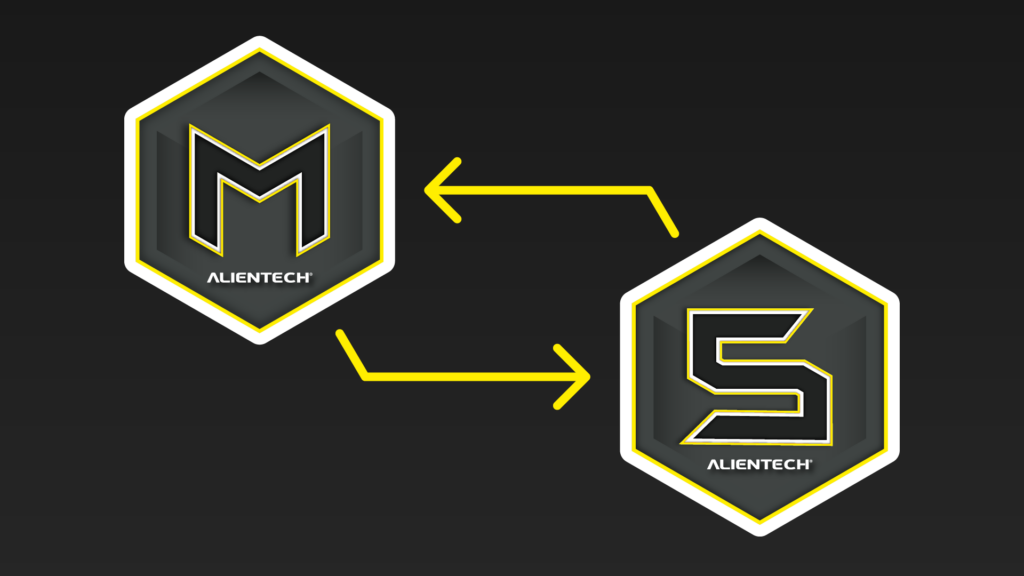
The most complete and operational configuration. You have full control over calibrations: you read, modify and write files independently, and you can create your own network of KESS3 Slaves.
Benefits:
- Read, modify and write all supported vehicles independently
- Create your own network of KESS3 Slaves to provide with ready-to-use files
- Clone control units
KESS3 Slave
The configuration to start offering professional tuning services with the support of a Master. Read the file, receive the ready-to-use modification and write directly to your customer’s control unit.
Benefits:
- Read and write all supported vehicles independently
- Rely on an expert tuner and receive modified files ready to use
- DataLogger, DTC and Special Functions included
KESS3 DynoDrive
The simplest and most immediate KESS3 configuration, transforming the hardware into a tool for measuring torque, power and acceleration on the road.
Benefits:
- Measure vehicle performance
- No subscription costs
- Upgrade to Slave or Master version at any time
KESS3 Master
Add the packages you want and see the indicative price.
INDICATIVE PRICE*
*Net of taxes, shipping costs, duties and local currency. The final price will be the one agreed with the dealer. Find dealers
KESS3 Slave
Add the packages you want and see the indicative price.
INDICATIVE PRICE*
*Net of taxes, shipping costs, duties and local currency. The final price will be the one agreed with the dealer. Find dealers
KESS3 DynoDrive
Alientech Suite
The heart of KESS3
The software that turns the complexity of remapping into faster, guided operations that are easier to manage.
KESS3 - Quick User Guide
1
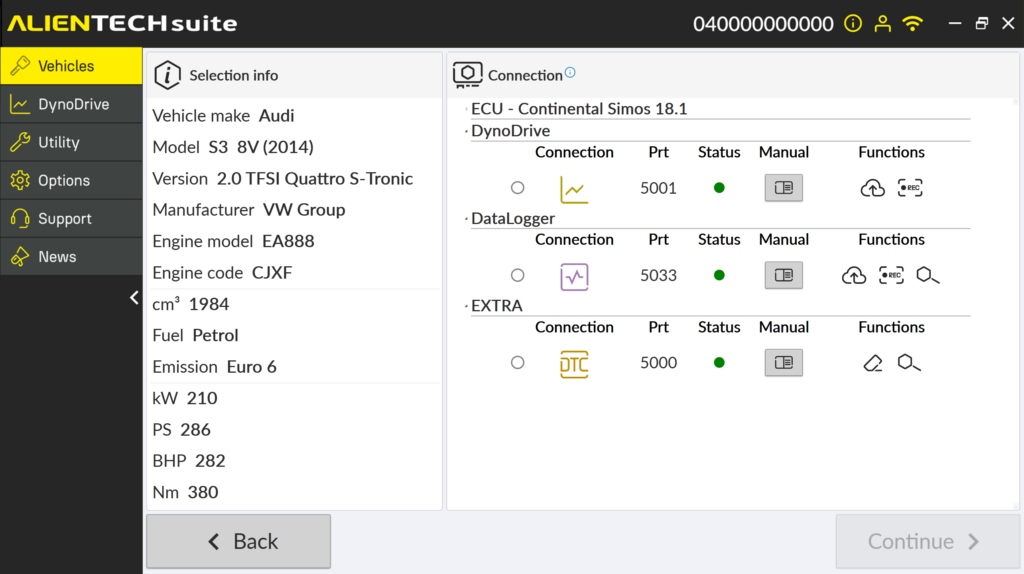
First start-up and vehicle selection
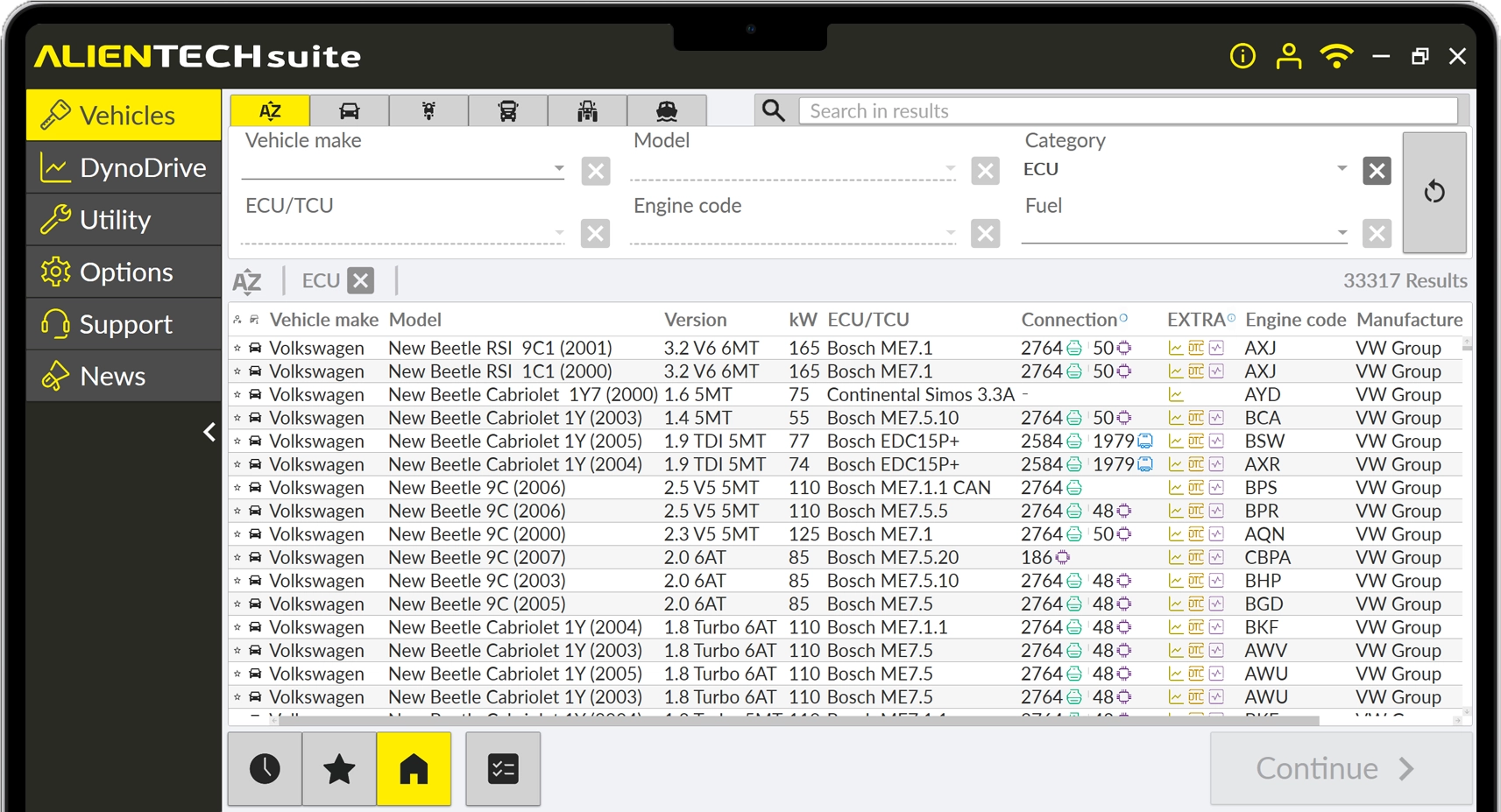
- Launch Alientech Suite.
- Connect KESS3 to the PC using the USB cable.
- Search for the vehicle or ECU using the search bar, or select it by category through the drop-down menus.
- Scroll through the results, select the vehicle you are interested in and click “Continue”.
2
Operation
- Choose the connection mode — OBD, Bench or Boot — and open the corresponding communication protocol.
- Read the information included in the protocol user manual.
- Start the ID.
- Once the ID is complete, perform the reading.
3
File modification
- If you are a Master customer, load the read file into the editing software.
- If you are a Slave customer, send the read file to your Master.
4
Writing the modified file
- If you are a Master customer, start the writing process and import the file you modified by following the on-screen instructions.
- If you are a Slave customer, wait for your Master to upload the modified file to the portal, then start the writing process by following the on-screen instructions.
- When finished, check that the operation has been completed successfully.
Would you like to receive more information about KESS3?
KESS3 Case
Everything you need to work

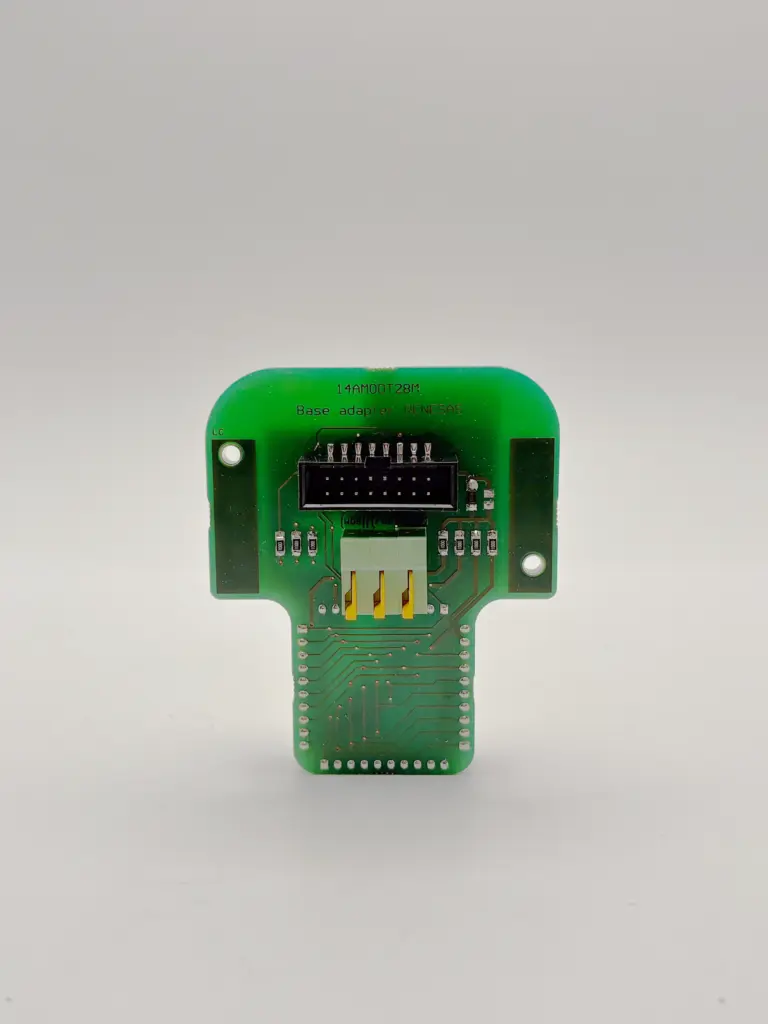
Bench-Boot cables
For direct connections to the control units.
ECM Titanium
The portable recalibration software, now always with you.*
*Product sold separately
Discover ECM TitaniumOBD cable
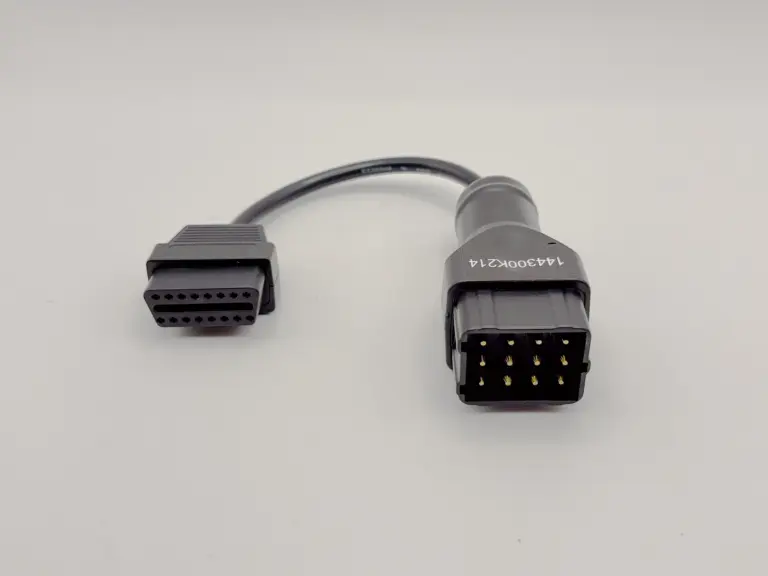
For connections via the diagnostic socket.
USB cable
To connect KESS3 to your computer.
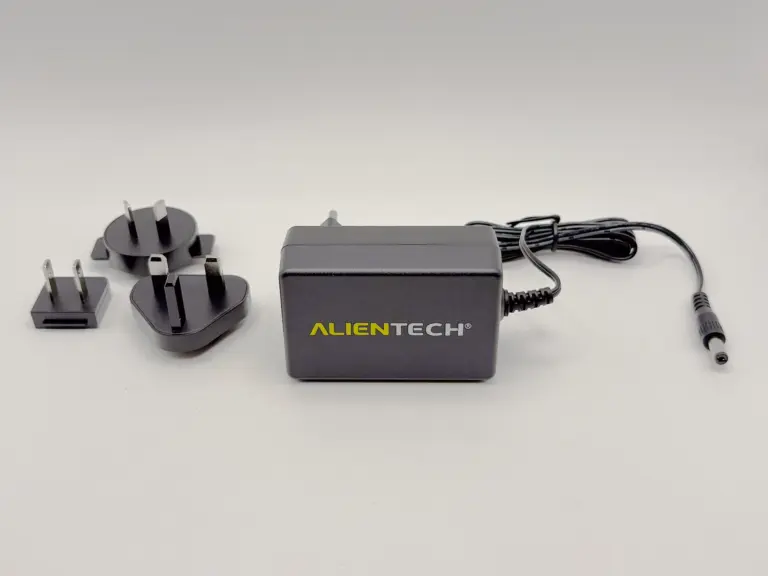
Stable power supply
For safe programming.
Accessories
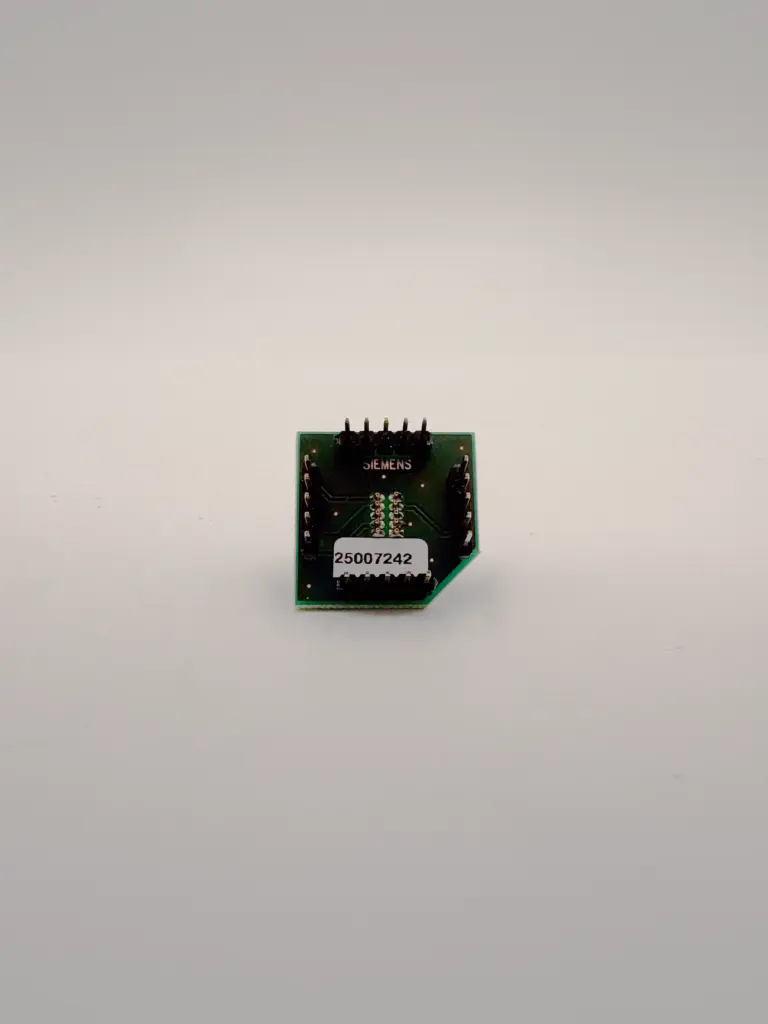
Need to connect to an ECU or a non-standard diagnostic port? The range of cables and adapter boards available for KESS3 lets you to connect to supported vehicles correctly and safely.



Contact Us
For any questions about KESS3
FAQ
Compatibility and coverage
Special Functions are available only on selected supported vehicle models. The available operations may vary depending on the vehicle, ECU and protocol used.
Yes. Special Functions are a function package within Alientech Suite or the Powergate App and expand the range of operations available on compatible vehicles.
Yes. If the function is supported, it is shown directly in the vehicle sheet together with the other available operations.
Yes. In the Vehicle List you can find all supported operations: reading, writing, cloning and available functions. This way, you know exactly what you can do before working on the vehicle.
Yes. If a vehicle or control unit is not listed, you can send a request directly to the technical team. Reports are analyzed to expand coverage with new protocols.
DataLogger is available for vehicles supported. The parameters that can be monitored depend on the ECU and the protocol used.
No, DynoDrive is currently available only for cars.
Yes. In addition to cars and motorcycles, you can also find trucks, tractors and work vehicles, with dedicated protocols for each category.
Yes. When available, you can also find TCU applications in addition to engine ECUs, with dedicated protocols and connection modes.
Access the Vehicle List and search by brand, model, engine or ECU. For each application, you will find available protocols, connection modes (OBD, BENCH, BOOT) and supported functions.
You can consult the updated vehicle list directly in the Suite or on the website.
Inside the Suite, you can search by make, model, engine or control unit. In just a few steps, you can check compatibility and the available connection modes.
There is no numerical limit. You can work on all vehicles included in the active protocols.
The DTC function is available for cars and motorcycles supported by KESS3. Available operations may vary depending on the ECU, vehicle and protocol used.
Cars, LCVs, motorcycles, ATVs, trucks, tractors and boats, depending on the activations selected.
The same model can be equipped with different control units depending on year, engine, production updates or market. This is why it is important to correctly identify the ECU before starting any operation.
Data logging, diagnostics and analysis
Yes. Where supported, you can reset DTCs directly from the Suite, without using external tools for this operation.
Yes. Saved logs can be analyzed and compared to check differences between configurations, modifications or vehicle operating conditions.
Yes: you can generate PDFs, also customizable with logo and header.
Yes. With DynoDrive, you can measure torque, power and acceleration directly on the road.
Yes. With DataLogger, you can view and record parameters such as pressure, temperature, engine speed and other values returned by the ECU.
Yes. The DTC function is included in the subscription.
Yes. Datalogging can be performed both in the workshop and on the road, allowing you to analyze engine behavior in real operating conditions.
Yes, DynoDrive measures acceleration tests on the most requested metrics, also with configurable distances and speeds.
For power/torque measurement, good conditions help: straight and as flat as possible. If you do not have them, acceleration mode is often much easier to manage.
No. You can perform datalogging even offline. The data is saved and can be consulted or exported later.
No. Special Functions integrate the work with KESS3 and allow you to perform specific operations. For fault-code diagnosis, use the DTC function, and to understand how the vehicle really behaves, use the DataLogger function: all these functions are included in the KESS3 subscription.
No. It does not replace a multi-brand diagnostic tester. It is focused on remapping.
However, it allows you to read and clear engine control unit DTCs.
No. The DTC function integrates the KESS3 workflow, allowing you to read and clear error codes quickly and easily. Dedicated diagnostic tools may be required for in-depth diagnostics.
No, it is always available on all KESS3 units with an active subscription.
Absolutely. Datalogging allows you to verify engine behavior after a modification in a concrete way and check that all parameters are working correctly.
A dyno is a controlled environment. On the road, there are variables. DynoDrive is not designed to replace a dyno: it is designed to measure and document performance on the road in a credible and repeatable way.
Yes. Each datalog session can be saved and archived for future consultation.
You can read and reset error codes directly from Alientech Suite, with a fast and guided process. It is a useful function to check the vehicle status before and after each intervention.
In the Alientech Cloud, inside your DynoDrive section in Dashboard, with history and analysis tools.
You can view and record the main ECU parameters in real time, such as engine RPM, turbo pressure, fuel quantity, temperatures, engine load and many other values available in the control unit.
Reading DTCs before working on the vehicle lets you check whether anomalies are already present. This gives you more control and helps you distinguish pre-existing issues from those that may appear after the intervention.
Subscriptions, licences and pricing
Yes. Once an activation or renewal is completed, the status is updated in real time in the Dashboard and made operational on your tools.
Yes. KESS3 is modular: activate only what you need today and add categories in the future.
It is required for updates and activations. Many operations can also be performed offline.
No. They are included in the KESS3 subscription and in the Powergate App.
No. Once activated, it remains available even if the subscription expires.
You can manage activations, subscription status, active services and configurations in your ecosystem, with a complete and up-to-date overview.
Some functions or new protocols are accessible only with an active subscription. In some specific cases, certain operations may also require integrated online services.
Protocols and updates
Yes. The Vehicle List is constantly updated and synchronized with the latest protocol releases, so you can always check compatibility before starting any operation.
Yes. The Suite updates automatically and gives you constant access to the latest protocols and new functions available.
Yes. Protocols are updated regularly and are visible in the Suite.
Check whether it is included among the available functions in the Vehicle List, marked with the light bulb icon, and keep Alientech Suite or the Powergate App updated.
All protocols included in the Vehicle List are tested and integrated with guided procedures. This allows you to work safely, following clear steps during every operation.
It means the protocol is currently being developed or validated. It will be available in one of the next updates, without any additional action required on your part. If you would like to test the protocol in preview and you meet the requirements to become a tester, open a support ticket so our development team can enable the protocol on your KESS3.
Tool and accessory configuration
Yes. A complete range of accessories is available to cover specific connections.
Yes. With the Master version, you can create your own Slave network and develop a structured business model.
Yes, by choosing the Master version.
Yes. By checking the vehicles you work on, you can understand which protocols and connection modes you need and configure the tool in a targeted way, avoiding unnecessary activations.
Yes. The content is designed to integrate with the Alientech ecosystem, helping you use tools and software with greater awareness.
OBD cable, Bench/Boot cable (including rainbow flat cables), stable power supply and USB cable: everything you need to start.
Master → You read, modify and write files independently. You have full control and higher margins. You can create your own Slave network.
Slave → You read the file and send it to a reference Master, who returns the modified file ready for writing. Ideal for starting without handling map modification.
Start by choosing the configuration best suited to your workshop (Master or Slave) and activating the protocols for the vehicles you want to work on.
If you want to start gradually, the Slave version is the simplest solution.
If you want to build autonomy and maximize profits, Master is the strategic choice.
ECU, TCU and cloning
Yes. With Bench and Boot modes, you can perform cloning operations on supported control units.
It means you can fully copy the data from one control unit to another compatible unit, keeping the original configurations and parameters. This function is useful when replacing or repairing an ECU.
Connection and operation
Yes, where supported. The available functions are managed directly from Alientech Suite through KESS3 and from the Powergate App for Powergate, following the guided software workflow.
No. Many vehicles can be worked on directly via OBD or Bench.
Yes. Alientech Suite uses step-by-step guided procedures, with specific instructions for each ECU and connection mode, reducing the risk of error during operations.
Yes. You do not need to be a programmer. The software guides you step by step through reading and writing operations, with official manuals and specific procedures for each vehicle.
It depends on the vehicle and the operation. OBD → faster and non-invasive Bench → direct access without opening the ECU Boot → full access with the control unit open The Suite always indicates the correct mode.
No. The interface is simple and the display modes (table, 2D, 3D) help you quickly understand the file structure.
You can read, write and clone control units, manage DTCs, monitor parameters with DataLogger and measure performance with DynoDrive. All functions are integrated into the same environment.
Where supported, you can perform specific functions such as steering alignment, differential locking/unlocking, wheel size resizing and many other operations.
For each application, you can find the available modes: OBD (diagnostic port), BENCH (direct connector access) and BOOT (full access with the control unit open). This allows you to choose the most suitable method for the job to be performed.
Getting started
Yes. You can access the Vehicle List directly from Alientech Suite without connecting the tool, so you can check compatibility and protocols at any time.
It is not mandatory, but recommended if you want to work at an advanced and professional level. With Alientech Academy you can accelerate your learning.
Yes. The software structure guides the user in choosing the vehicle and the operations to perform, making the workflow easy to understand even for those approaching the sector for the first time.
It is the software that manages the KESS3 tool. It allows you to access protocols, select vehicles, perform reading and writing operations, use advanced functions and manage all workshop operations from a single environment.
Business, dealers and growth
It depends on the number of calibrations you perform. Even a few modifications per month can generate a good return on your investment, especially if you work independently.
Safety and best practices
By following the official instructions and best practices, the risk is minimal. The protocols are tested and guided.
Yes, by following the official procedures and using a stable power supply.
That is why using a stable power supply is essential. Voltage stability is a basic rule for working safely.
Support
You can request support for reading/writing procedures, software use, operational errors, protocol compatibility and management of Alientech functions.
File management and offline use
Yes. You can consult the vehicle list, check the available protocols and view updates even without connecting the tool. To operate on the control unit, the device must be connected.
A connection is required for updates, protocol access and use of online services. Some functions can also be consulted offline, but to work you need an active and stable connection.