DTC
Leggere, registrare e resettare i codici errore della ECU
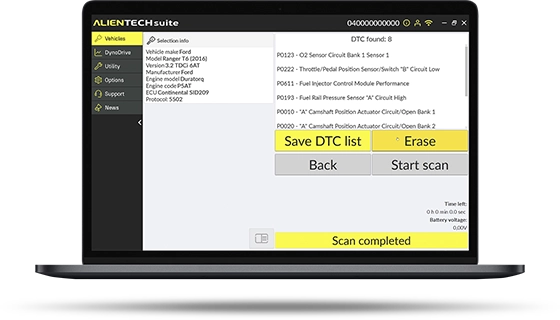
Quickly interpret faults and error codes returned by the ECU with the list of SAE DTCs stored during vehicle operation. Where supported, you can reset the DTC status and switch off the related warning lights on the instrument cluster.
Overview
The KESS3 DTC function is a fast diagnostic tool that completes your workshop workflow. You get the list of fault codes and check the vehicle status in just a few seconds.
Read and save the code list and, where available, reset the ECU memory, clearing the warning lights on the instrument cluster of cars and motorcycles.
DTC means fast diagnostics and complete intervention management.
DTC is included in the KESS3 subscription and is available for all Powergate users.
DTC - Quick User Guide
1
First start-up and vehicle selection
- Connect KESS3 or Powergate to the vehicle’s OBD diagnostic port and to the PC using the USB cable.
- Launch the Alientech Suite software or the Powergate App.
- Select the vehicle from the list or search by model.
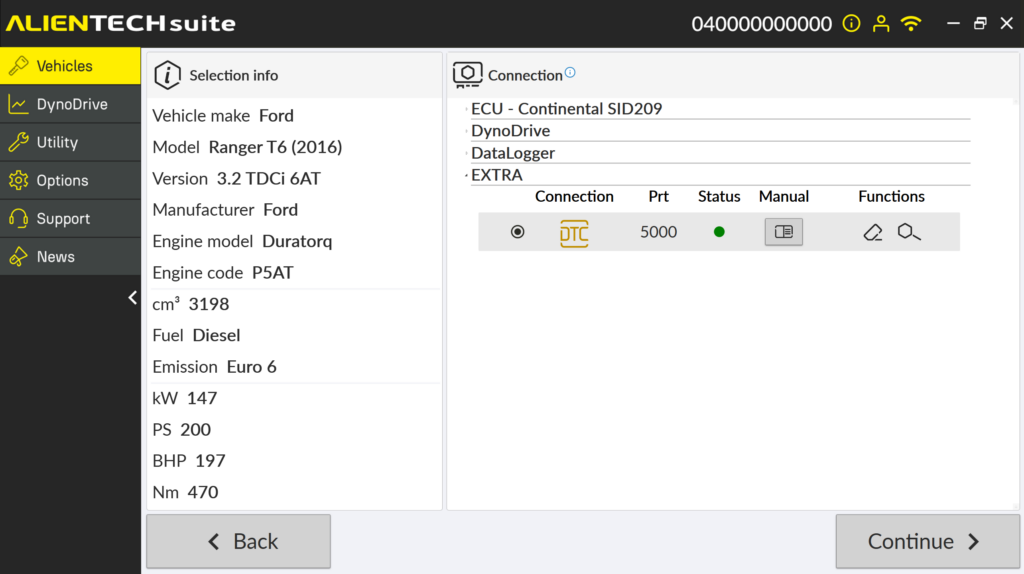
- Check the availability of the DTC function for the selected vehicle.
Would you like to receive more information about KESS3?
Contact Us
For any questions about DTC