

Connections
OBD
OBD
Read and write from the diagnostic port.
Control units
ECU
Transmission
ECU
Engine management control unit.
TCU
Automatic transmission control unit.
Vehicles
Car
Bike
Car
Cars and light commercial vehicles.
Bike
Motorcycles, mopeds, quads and UTVs.
Extra
Datalogger
DTC
Special
DataLogger
Real-time acquisition and recording of vehicle engine parameters.
DTC
The function that identifies and resets error codes present and stored in the ECU.
Special Functionss
Special functions that allow you to configure a specific vehicle for different usage contexts.
Work remotely by uploading modified files to the Dashboard and build customer loyalty with a continuous, guided and customizable service.
More than 2.000 ECUs you can work on
Overview
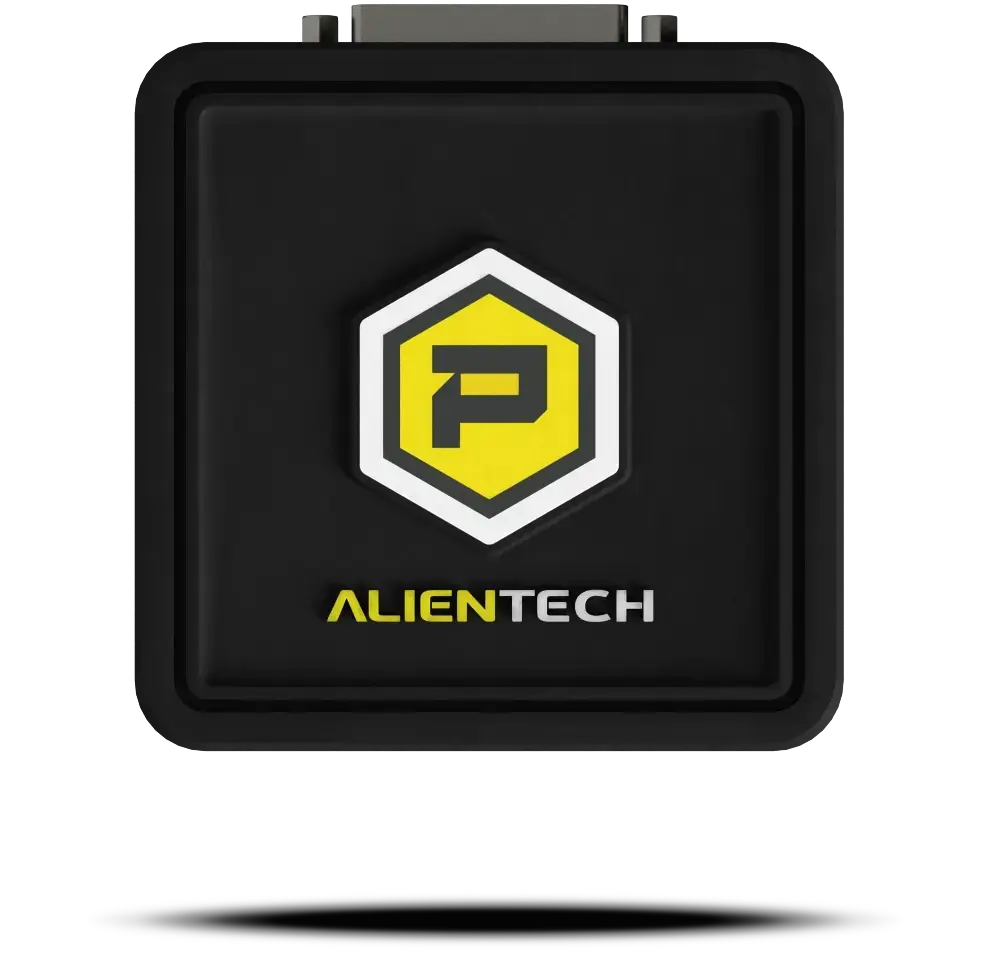
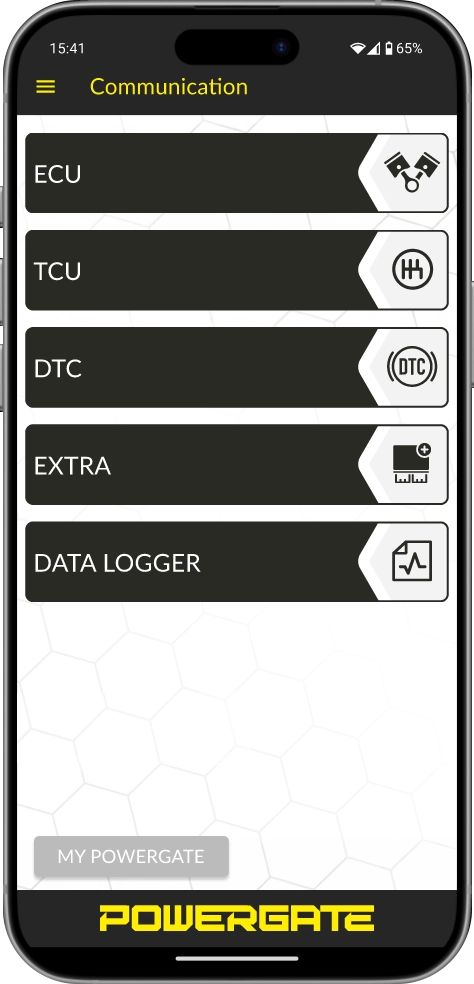
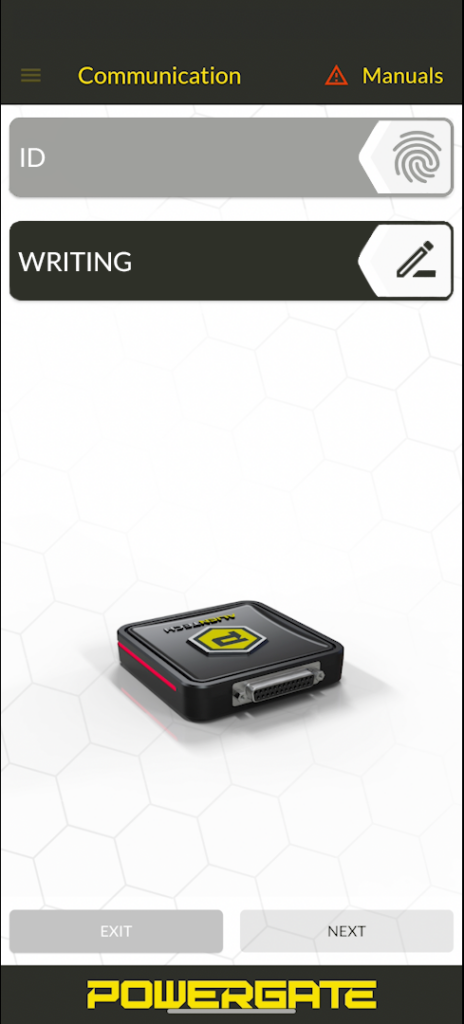
Through the smartphone App, the user operates Powergate independently via OBD: they read and write the file, reset DTCs where supported, and can monitor vehicle parameters in real time with DataLogger.
For you, this means taking your service beyond the workshop without losing control and quality: you can work with more customers, even outside your area, without interrupting daily operations, managing everything in just a few steps from the Dashboard. The Cloud speeds up the workflow: if the calibration is already in your database, association with the read file is immediate and the customer finds it ready without any further steps.
Powergate means control, profitability and continuity beyond the limits of the workshop.
Powergate Dashboard
The platform for managing customers, devices and files
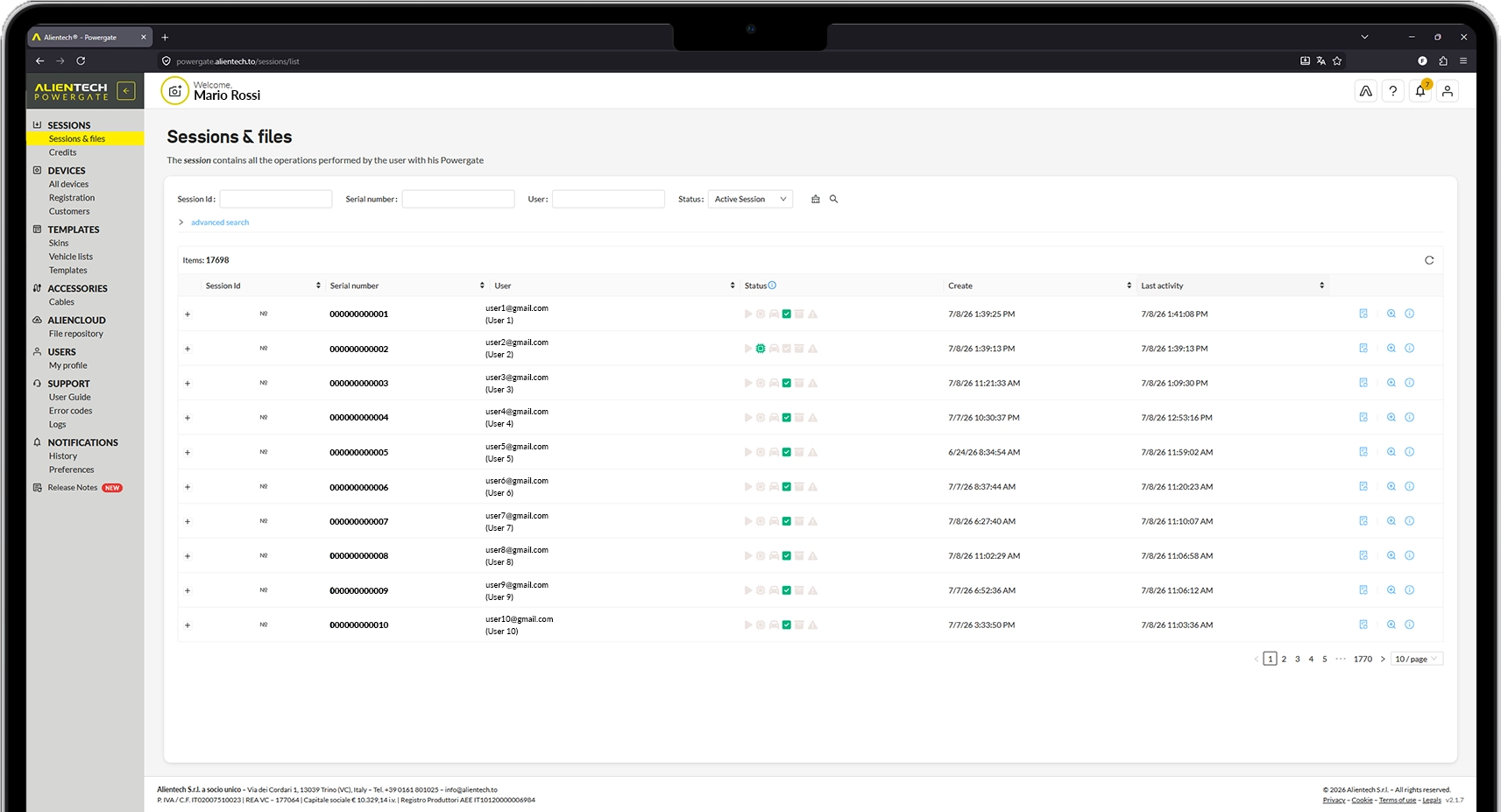
The Powergate Dashboard is the operating center of your work. You configure user profiles, monitor sessions and upload modified files, which are associated with the vehicle through the Cloud.
The Cloud draws from your file database and automates the workflow: if the calibration is already ready, association is immediate and the customer finds it available right away.
Extra fuctions
DataLogger
The function that allows you to view, record and save the ECU operating parameters in real time.
DTC
The function that reads and allows you to reset the error codes stored and recorded in the ECU.
Special Functions
Special functions that allow a specific vehicle to be configured for different usage contexts.
Powergate App
The guided interface on your customer's smartphone.
The Powergate App allows the customer to modify their vehicle with your configurations by following intuitive, guided steps, with immediate feedback throughout the entire process. With customized graphics (logo and colors), the entire experience stays consistent with your brand.
Compatibility: Android version 7.0 and later, EMUI version 7.0 and later, iOS version 12.0 and later.


Powergate - Quick User Guide
1
First start-up
- Access the Powergate Dashboard via browser using your Alien_ID.
- Check vehicle compatibility in the updated list.
- Activate the Powergate device and associate it with the customer’s vehicle using a template: skin and vehicle list.
2
Customer phase — file reading via App
- The customer downloads the Powergate App on their smartphone: iOS, Android or Huawei.
- They follow a guided step-by-step procedure to read the ECU/TCU of their vehicle. The original file is automatically saved and synchronized in the Cloud.
3
File management via Cloud Dashboard
- The original file read from the customer’s Powergate is now available in the Dashboard.
- Assign the modified files to the customer profile. The Cloud keeps files available for multiple users if they are already present in the database.
4
File modification
- After uploading the modified files to the Dashboard, they become immediately available and visible to the customer in the App.
- The customer selects the file they want to apply, such as Performance or Eco.
- With one tap, the App guides the writing of the file to the ECU in a simple and safe way.
Would you like to receive more information about Powergate?
Accessories
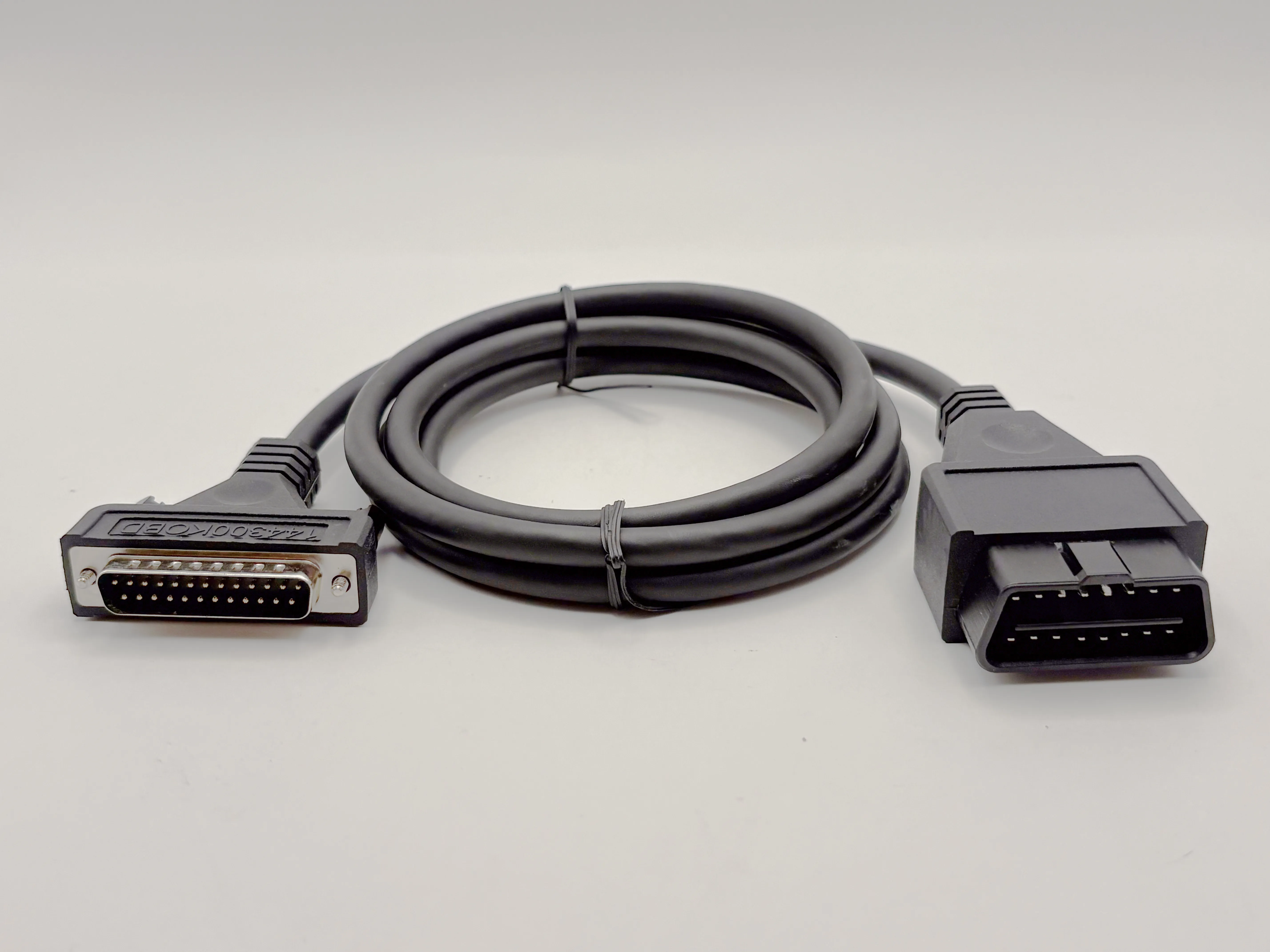
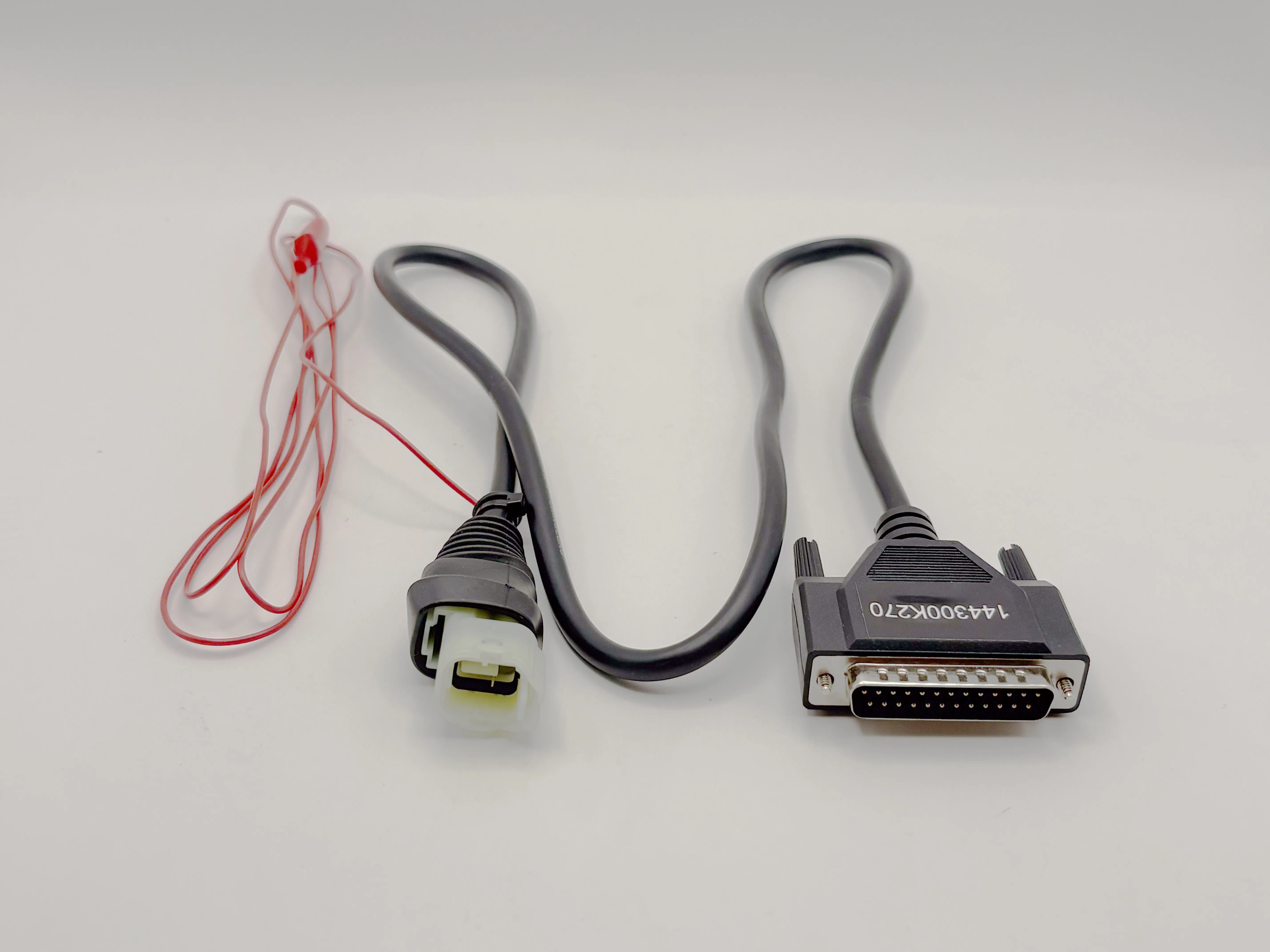
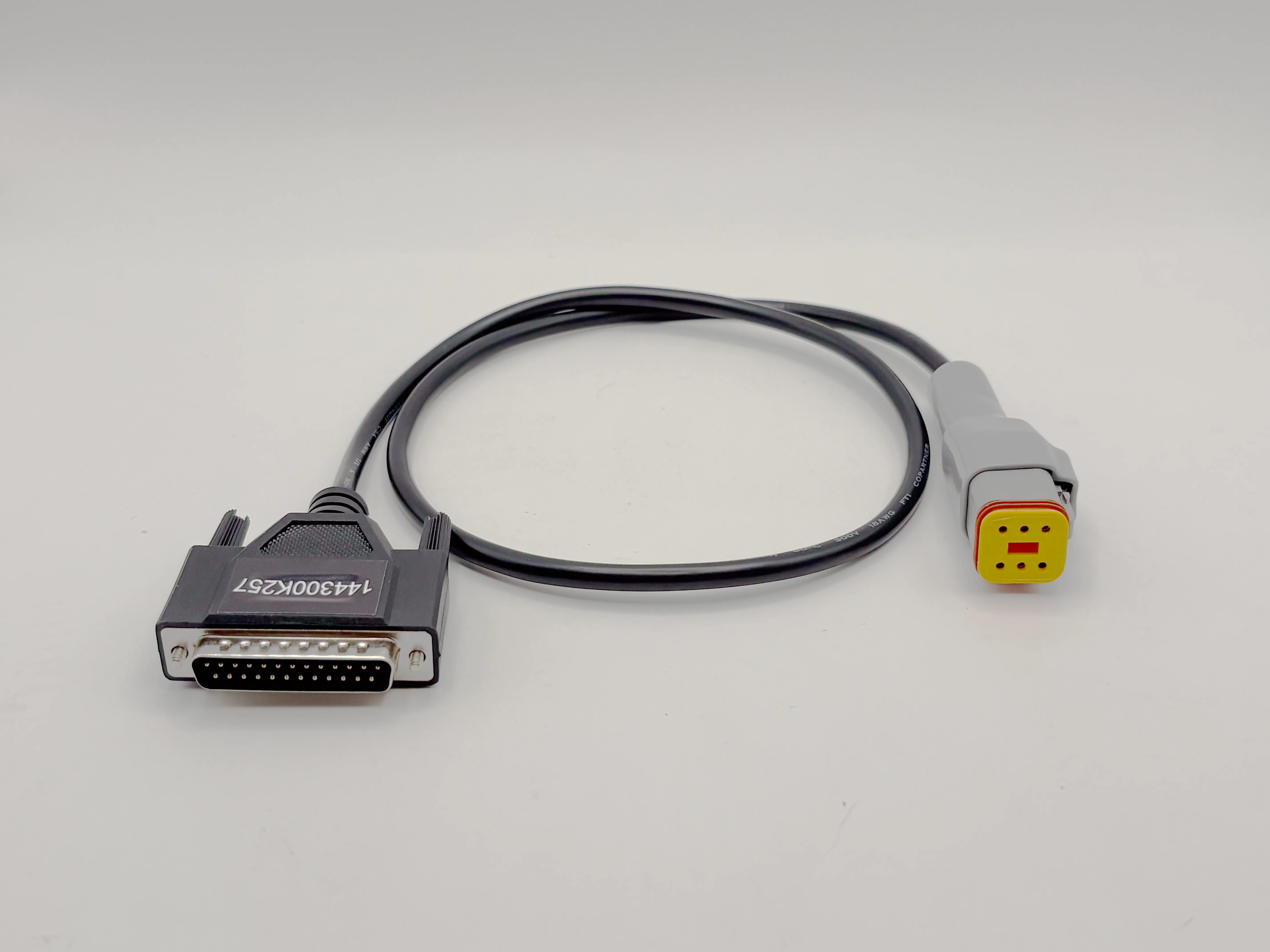
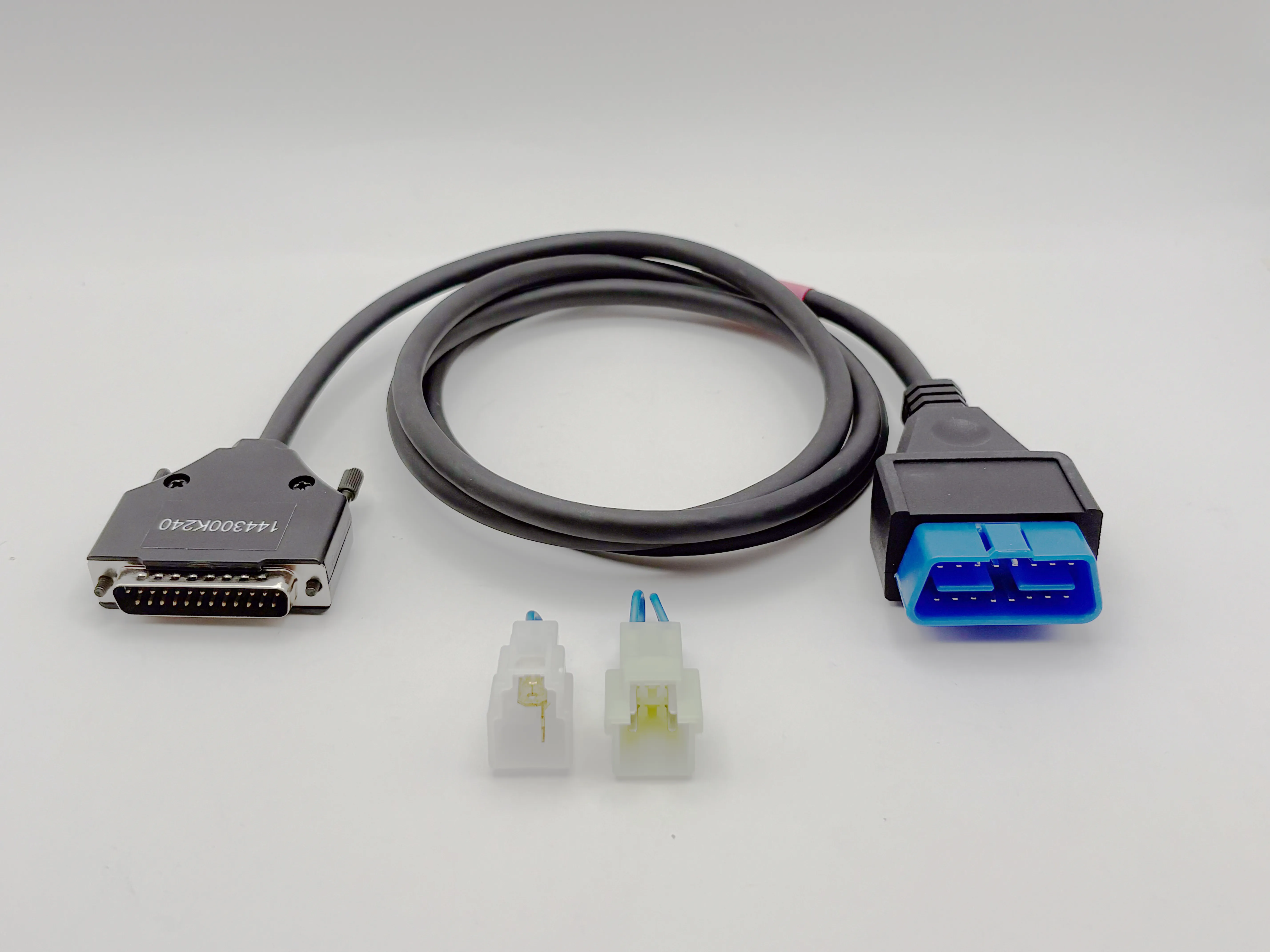
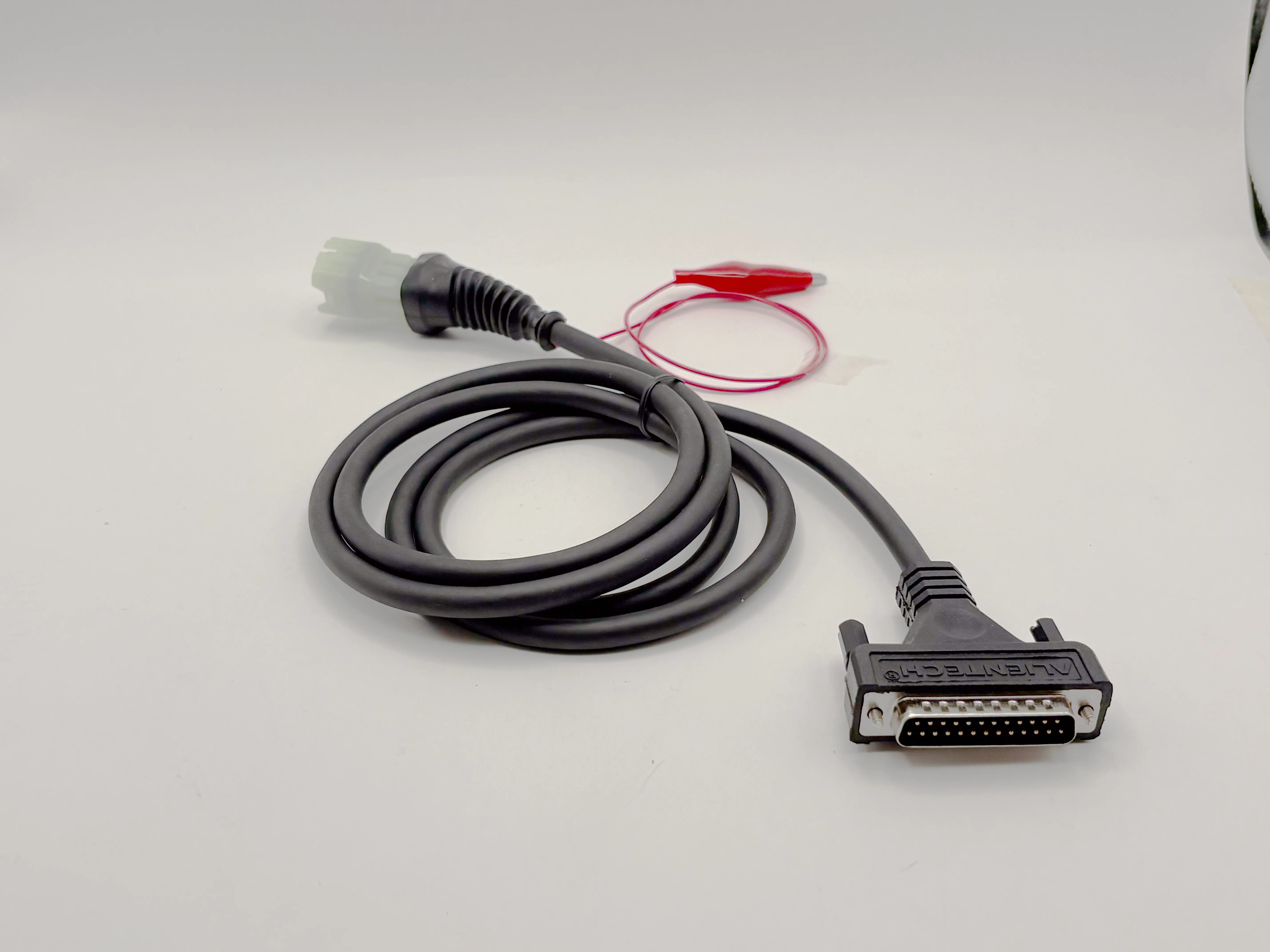
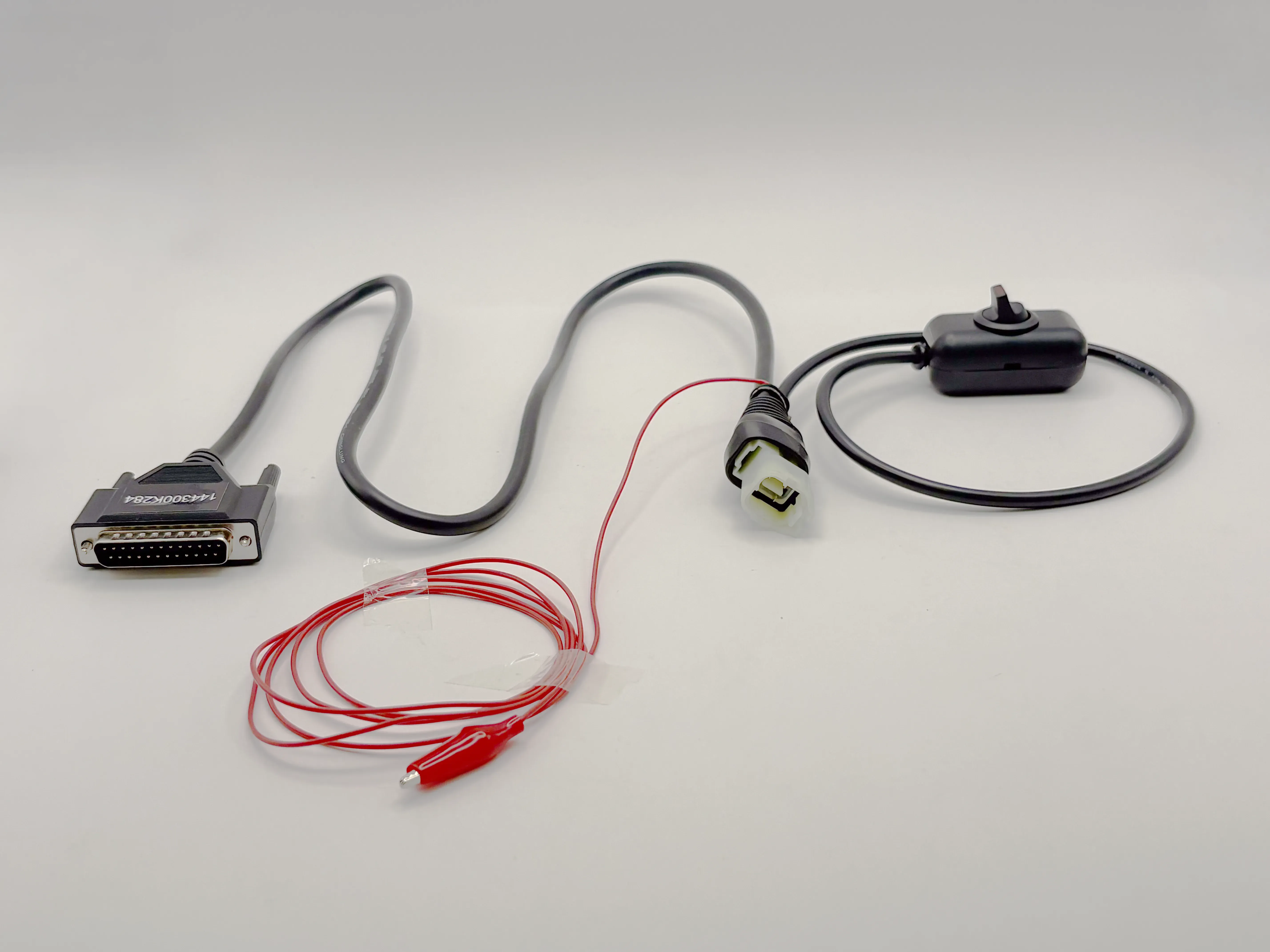
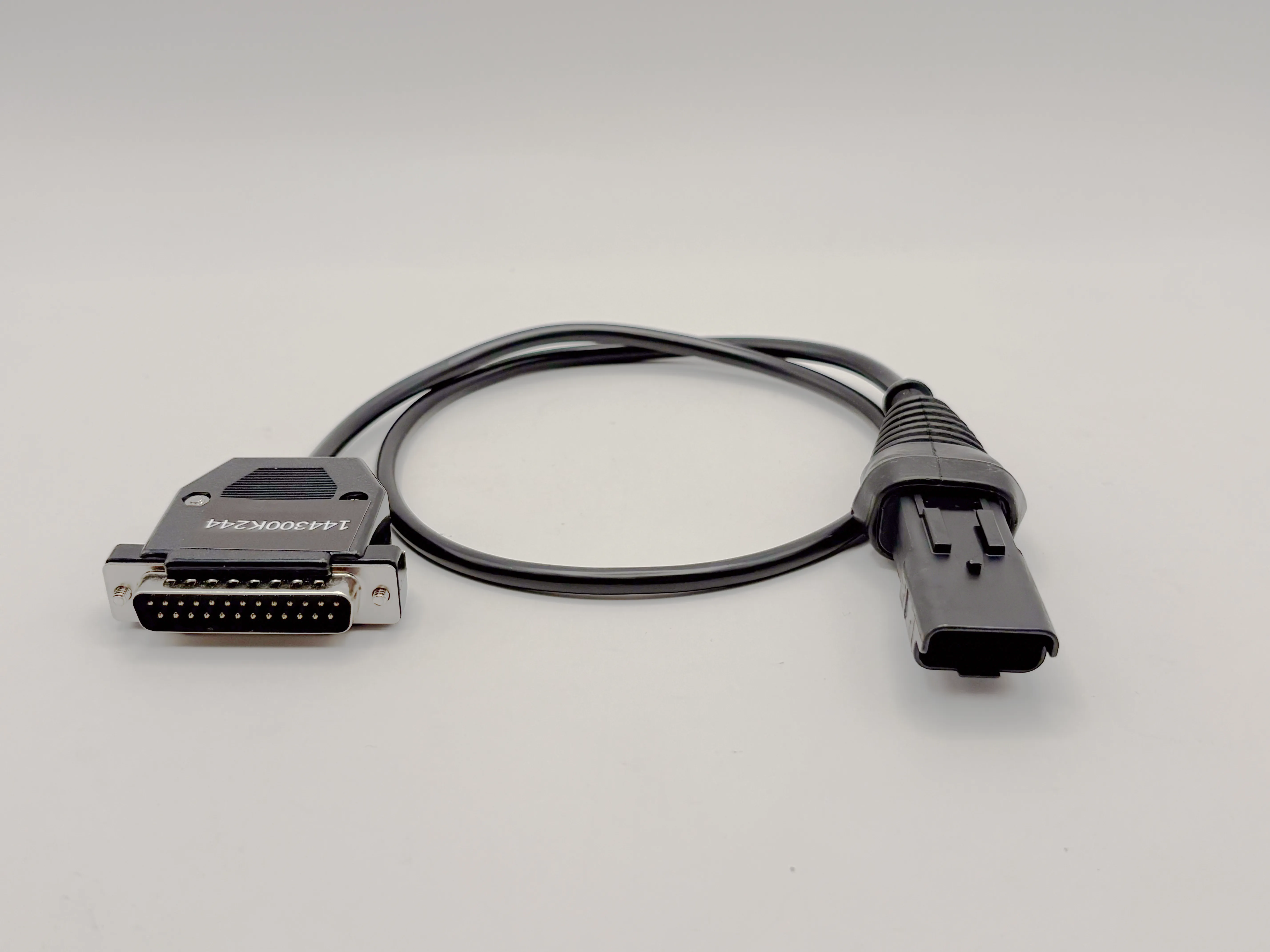
Need to connect to an ECU or a non-standard diagnostic socket? The range of OBD cables available for Powergate allows safe connection to all supported vehicles.
Contact Us
For any questions about Powergate
FAQ
Compatibility and coverage
Special Functions are available only on selected supported vehicle models. The available operations may vary depending on the vehicle, ECU and protocol used.
Yes. Special Functions are a function package within Alientech Suite or the Powergate App and expand the range of operations available on compatible vehicles.
Yes. In the Vehicle List you can find all supported operations: reading, writing, cloning and available functions. This way, you know exactly what you can do before working on the vehicle.
Yes. If a vehicle or control unit is not listed, you can send a request directly to the technical team. Reports are analyzed to expand coverage with new protocols.
DataLogger is available for vehicles supported. The parameters that can be monitored depend on the ECU and the protocol used.
Yes, according to the protocols available for the vehicle.
Yes. In addition to cars and motorcycles, you can also find trucks, tractors and work vehicles, with dedicated protocols for each category.
Yes. When available, you can also find TCU applications in addition to engine ECUs, with dedicated protocols and connection modes.
Access the Vehicle List and search by brand, model, engine or ECU. For each application, you will find available protocols, connection modes (OBD, BENCH, BOOT) and supported functions.
No. It is designed for cars and motorcycles, depending on vehicle compatibility.
The DTC function is available for cars and motorcycles supported by KESS3. Available operations may vary depending on the ECU, vehicle and protocol used.
With the main operating systems: iOS and Android (including devices with interfaces widely available on the market).
The same model can be equipped with different control units depending on year, engine, production updates or market. This is why it is important to correctly identify the ECU before starting any operation.
Data logging, diagnostics and analysis
Yes. Where supported, you can reset DTCs directly from the Suite, without using external tools for this operation.
Yes. Saved logs can be analyzed and compared to check differences between configurations, modifications or vehicle operating conditions.
Yes. Datalogging can be performed both in the workshop and on the road, allowing you to analyze engine behavior in real operating conditions.
When supported by the vehicle, they can read and reset DTCs directly from the App.
No. You can perform datalogging even offline. The data is saved and can be consulted or exported later.
No. Special Functions integrate the work with KESS3 and allow you to perform specific operations. For fault-code diagnosis, use the DTC function, and to understand how the vehicle really behaves, use the DataLogger function: all these functions are included in the KESS3 subscription.
No. The DTC function integrates the KESS3 workflow, allowing you to read and clear error codes quickly and easily. Dedicated diagnostic tools may be required for in-depth diagnostics.
Absolutely. Datalogging allows you to verify engine behavior after a modification in a concrete way and check that all parameters are working correctly.
Yes. Each datalog session can be saved and archived for future consultation.
You can read and reset error codes directly from Alientech Suite, with a fast and guided process. It is a useful function to check the vehicle status before and after each intervention.
You can view and record the main ECU parameters in real time, such as engine RPM, turbo pressure, fuel quantity, temperatures, engine load and many other values available in the control unit.
Reading DTCs before working on the vehicle lets you check whether anomalies are already present. This gives you more control and helps you distinguish pre-existing issues from those that may appear after the intervention.
Subscriptions, licences and pricing
Yes. Once an activation or renewal is completed, the status is updated in real time in the Dashboard and made operational on your tools.
No. They are included in the KESS3 subscription and in the Powergate App.
You can manage activations, subscription status, active services and configurations in your ecosystem, with a complete and up-to-date overview.
Protocols and updates
Yes. The Vehicle List is constantly updated and synchronized with the latest protocol releases, so you can always check compatibility before starting any operation.
Check whether it is included among the available functions in the Vehicle List, marked with the light bulb icon, and keep Alientech Suite or the Powergate App updated.
All protocols included in the Vehicle List are tested and integrated with guided procedures. This allows you to work safely, following clear steps during every operation.
It means the protocol is currently being developed or validated. It will be available in one of the next updates, without any additional action required on your part. If you would like to test the protocol in preview and you meet the requirements to become a tester, open a support ticket so our development team can enable the protocol on your KESS3.
Dashboard and cloud
Yes. In the Dashboard, you can monitor devices and sessions (active, ongoing, archived) in real time.
Yes, when the file is already in your library, association with the read file is immediate through the Cloud.
From the Accessories section in the Dashboard, you can quickly check the correct cable for that vehicle.
Yes, to properly manage synchronization, files, and configurations via Cloud.
From the Dashboard, you associate the device with the customer and upload the configurations. Then the customer proceeds from the App, with guided instructions.
Business, dealers and growth
Yes. It is a recommended choice to offer more options and greater peace of mind to the customer.
Yes. You can use logo and colors to make the App consistent with your identity.
Yes. The workflow is designed for volume work: devices, sessions and files are organized to reduce time and errors.
Yes. The App guides the user step by step with clear feedback throughout all phases.
No. They can operate independently from their smartphone. You remain in control remotely.
Yes. The device provides visual feedback on status through light indicators, in addition to the App instructions.
Up to 4 configurations per vehicle, useful for creating packages (e.g. Original + 1/2 performance setups + eco setup).
Yes, because the process is guided. You set everything up first: the customer only has to follow the steps.
Manager (Master): you prepare the files and manage customers, devices and configurations.
Resale (Slave): you sell already configured Powergate devices (ready-to-use packages) without creating the files.
For workshops and tuners who want to sell recalibrations remotely, without requiring the customer to be physically present in the workshop.
Because you can serve customers in different cities and countries with the same workflow: you prepare the configurations, and the customer performs the operations from their phone.
Tool and accessory configuration
Yes. By checking the vehicles you work on, you can understand which protocols and connection modes you need and configure the tool in a targeted way, avoiding unnecessary activations.
Yes. The content is designed to integrate with the Alientech ecosystem, helping you use tools and software with greater awareness.
It works in OBD with dedicated cables (cars and motorcycles), depending on the vehicle.
Connection and operation
Yes, where supported. The available functions are managed directly from Alientech Suite through KESS3 and from the Powergate App for Powergate, following the guided software workflow.
Where supported, you can perform specific functions such as steering alignment, differential locking/unlocking, wheel size resizing and many other operations.
Getting started
Yes. You can access the Vehicle List directly from Alientech Suite without connecting the tool, so you can check compatibility and protocols at any time.
Remote and mobile workflow
It is a device that allows the customer to read and write ECU/TCU from their smartphone by following a guided workflow. You manage everything remotely through the Dashboard.
Support
You can request support for reading/writing procedures, software use, operational errors, protocol compatibility and management of Alientech functions.