Power
Power
Measures the power produced by the vehicle across the entire rev range.
Drag
Speed
Measures time, speed and vehicle response across multiple acceleration tests.
Braking
Braking
Analyses braking distances and deceleration during braking tests.
Distance
Distance
Records time and speed over predefined distances to compare each intervention.
Measure power, torque, acceleration and braking with a guided, repeatable process, with no subscription constraints. Show the value of your work with concrete data: comparable graphs and reports you can share with customers.
Overview
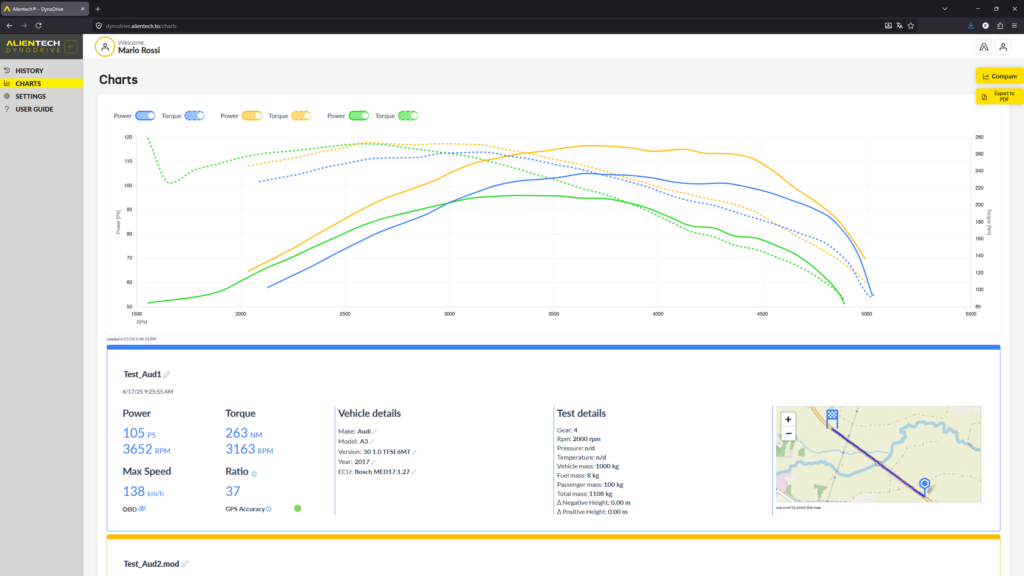
Validate every operation with real tests, comparing results before and after the modifications to obtain immediate, objective feedback. Each test is recorded and transformed into clear graphs and professional reports, available in your Dashboard.
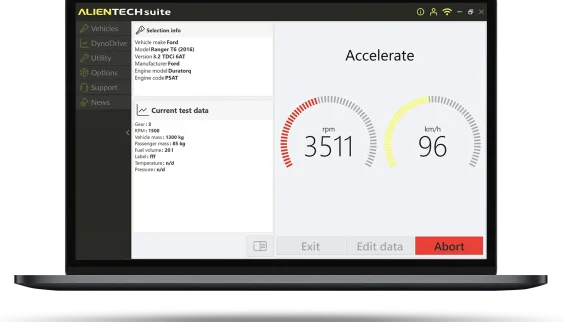
With DynoDrive, you simplify power testing: start the test in just a few steps from Alientech Suite and work in real driving conditions, with no additional hardware.
DynoDrive means real measurement, validation and professional performance sharing.
DynoDrive - Quick User Guide
1
Activation
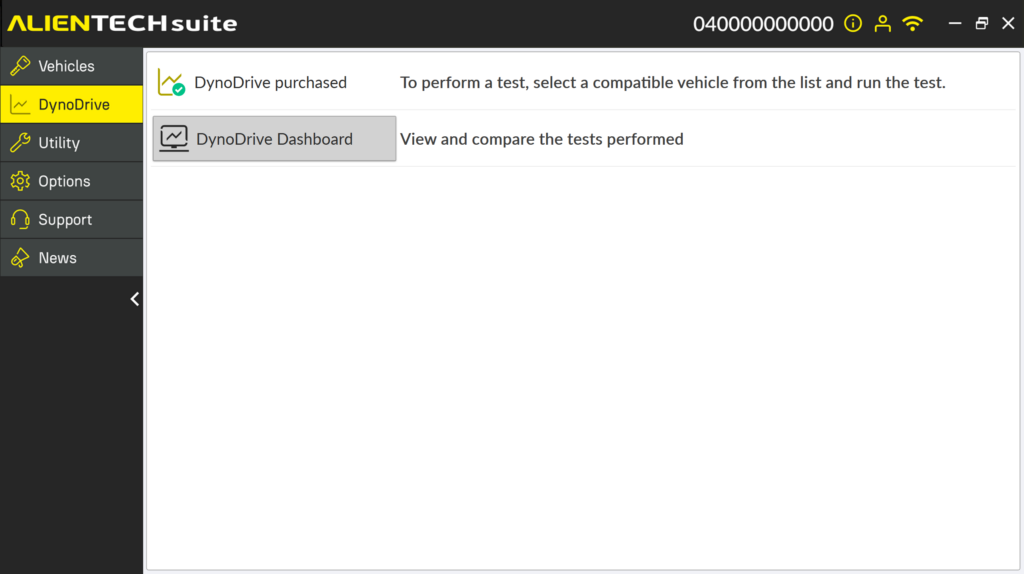
- Purchase the function. Directly from the Dashboard or through the link in Alientech Suite.
- Connect KESS3 to the vehicle’s OBD diagnostic port and to the PC using the USB cable.
- Select a vehicle and check whether the test can be performed.
3
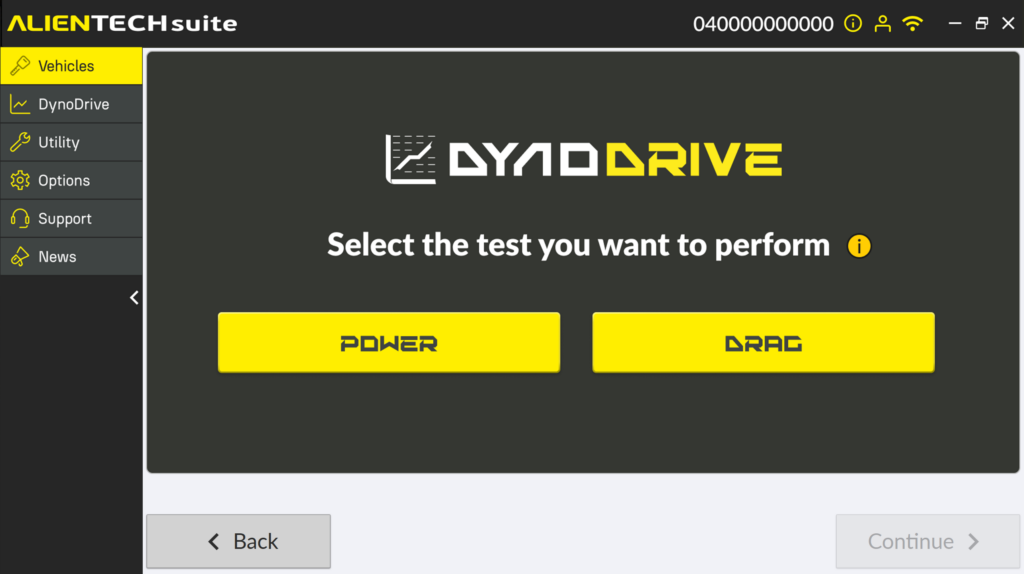
Feasibility and parameters (Power Test)
- Enter the parameters.
- Start the test session using the space bar and follow the guided flow on screen.
- Maintain the set RPM range and wait for the acoustic signal.
- Accelerate up to the limiter. Shift into neutral.
- Wait for the second acoustic signal during deceleration.
- View the torque and power results.
4
Feasibility and parameters (Drag Test)
- Enter the parameters.
- Select the tests to perform, or create your own custom test.
- Perform the test.
- View the results of the test you completed: distance, acceleration and braking.
Would you like to receive more information about DynoDrive?
FAQ
Data logging, diagnostics and analysis
Yes: you can generate PDFs, also customizable with logo and header.
Yes. With DynoDrive, you can measure torque, power and acceleration directly on the road.
For power/torque measurement, good conditions help: straight and as flat as possible. If you do not have them, acceleration mode is often much easier to manage.
A dyno is a controlled environment. On the road, there are variables. DynoDrive is not designed to replace a dyno: it is designed to measure and document performance on the road in a credible and repeatable way.
Yes, DynoDrive measures acceleration tests on the most requested metrics, also with configurable distances and speeds.
In the Alientech Cloud, inside your DynoDrive section in Dashboard, with history and analysis tools.
Compatibility and coverage
No, DynoDrive is currently available only for cars.
Inside the Suite, you can search by make, model, engine or control unit. In just a few steps, you can check compatibility and the available connection modes.
Subscriptions, licences and pricing
No. Once activated, it remains available even if the subscription expires.
Getting started
It is the software that manages the KESS3 tool. It allows you to access protocols, select vehicles, perform reading and writing operations, use advanced functions and manage all workshop operations from a single environment.
Connection and operation
You can read, write and clone control units, manage DTCs, monitor parameters with DataLogger and measure performance with DynoDrive. All functions are integrated into the same environment.
Support
You can request support for reading/writing procedures, software use, operational errors, protocol compatibility and management of Alientech functions.
Contact Us
For any questions about DynoDrive