Conexiones
-
OBD:
-
La lectura y la programación se realizan a través del puerto de diagnóstico.
-
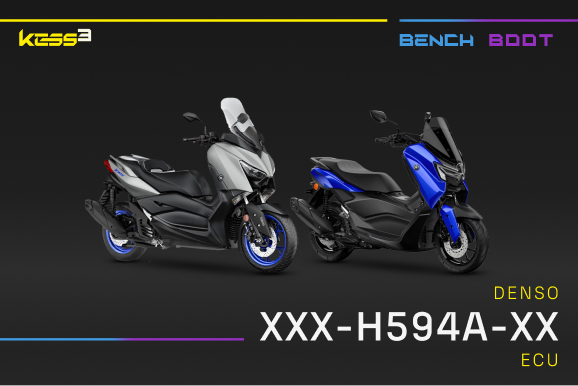
BENCH:
-
La lectura y la programación se realizan a través del conector de la centralita en banco.
-
BOOT:
-
La lectura y la programación se realizan directamente sobre la centralita abierta en banco.
-
Próximamente:
-
Protocolo próximamente disponible. Abre un ticket para solicitar su activación.
Funciones de conexión
-
Lectura:
-
Lectura desde el puerto de diagnóstico disponible.
-
Lectura virtual:
-
Lectura virtual disponible.
-
Desbloqueo requerido:
-
Antes de escribir en modo OBD, es necesario desbloquear la ECU mediante conexión en banco.
-
ECU clonable:
-
Función de clonación automática disponible.
-
Clon en línea:
-
Función de clonación en línea (disponible solo para herramientas Master).
-
Patch de ECU:
-
Funciones de patch disponibles si es necesario.
-
Lectura de contraseña:
-
Funciones de lectura del código de desbloqueo disponibles si es necesario.
Funciones extra
-
Ver:
-
Muestra los datos devueltos por la centralita.
-
Enviar al panel:
-
Envía los datos detectados al panel.
-
Registrar datos:
-
Almacena los datos recopilados.
-
Eliminar:
-
Borra los DTC almacenados en la centralita.
-
Editar:
-
Cambia los ajustes de la ECU o del vehículo.
Los iconos con opacidad completa indican que la función está disponible.
Los iconos atenuados indican que la función no está disponible para esta conexión.