The recalibration software that adapts every file to the real needs of your workshop.
ECM Titanium 3.0 lets you modify, analyze, and optimize calibration files with a level of control and speed that turns a complex task into a linear, intuitive, and repeatable process.
With over 190,000 Drivers available, advanced project management, and intelligent comparison tools, ECM Titanium 3.0 is designed for professionals who work on calibration files every day.
Edit files using Table, 2D, 3D, or HEX (hexadecimal) views and choose the most effective way of working for your workflow.
Intelligent file comparison
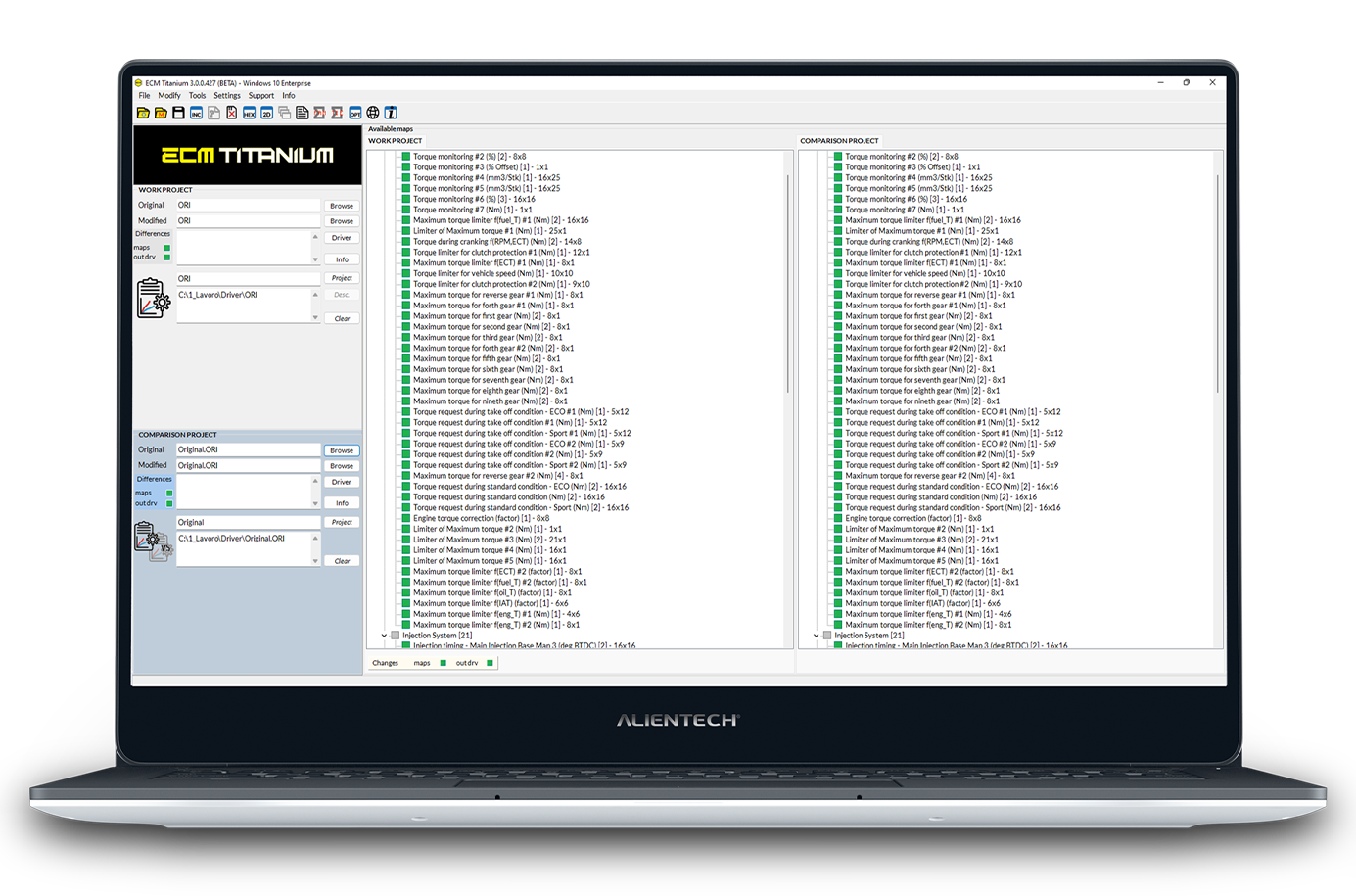
Compare ORI vs MOD or MOD vs MOD files to quickly visualize differences and apply changes with precision.
Value and increment copying
Apply values from one map to another using CTRL+C / CTRL+V in table and 2D views—ideal for complex calibrations.
Project and job DB management
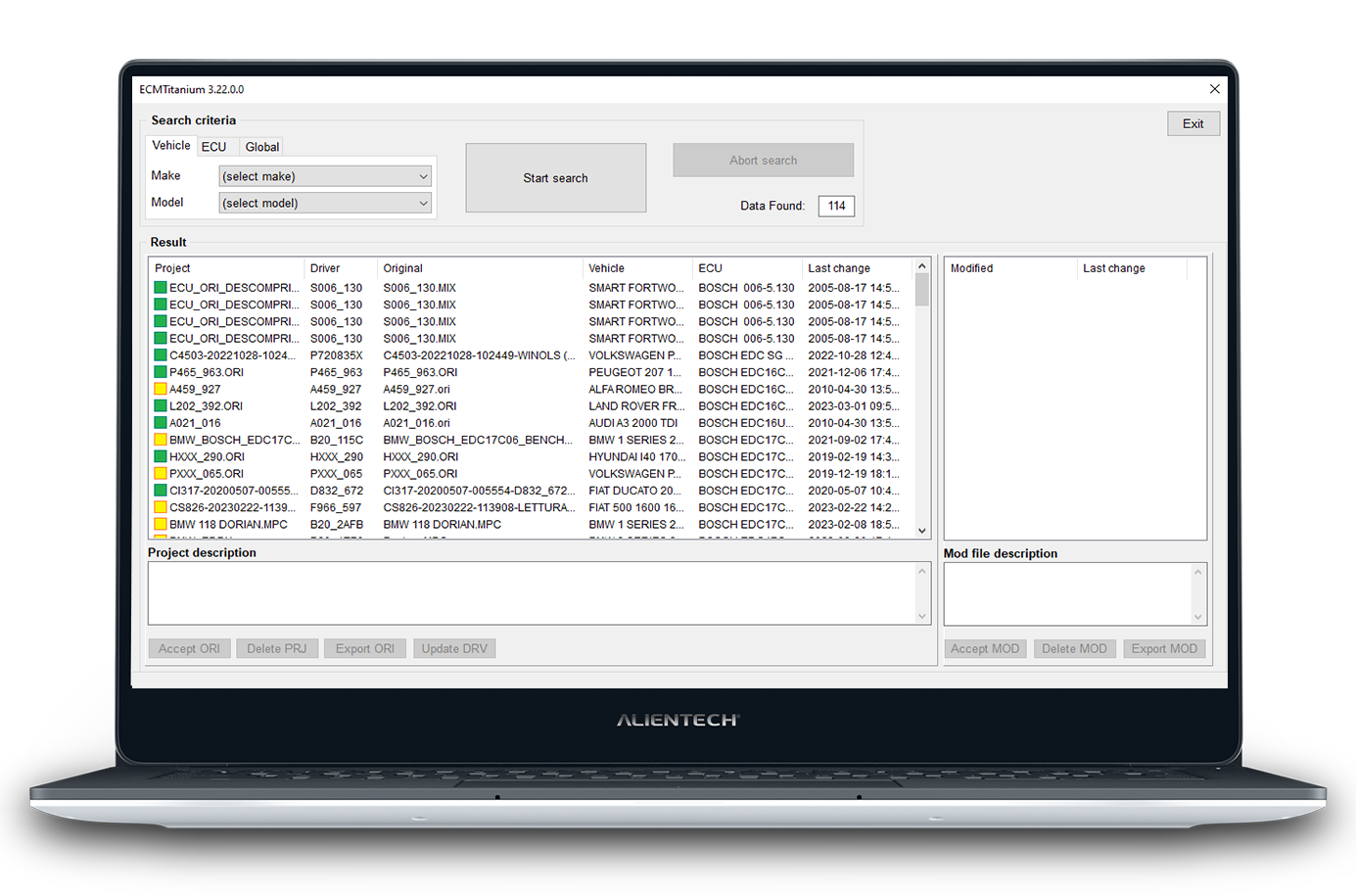
Organize your work with a structured system of projects, customers, and file history, so nothing is ever lost.
Why do you need it in your workshop?
Offer a complete service
You don’t just tune performances: work on engine strategies, fuel consumption, advanced functions, to expand services range of your workshop.
Simplify operations
Drivers—the true core of ECM—translate file complexity into a clear and readable list of maps, reducing errors and saving time.
Works anywhere
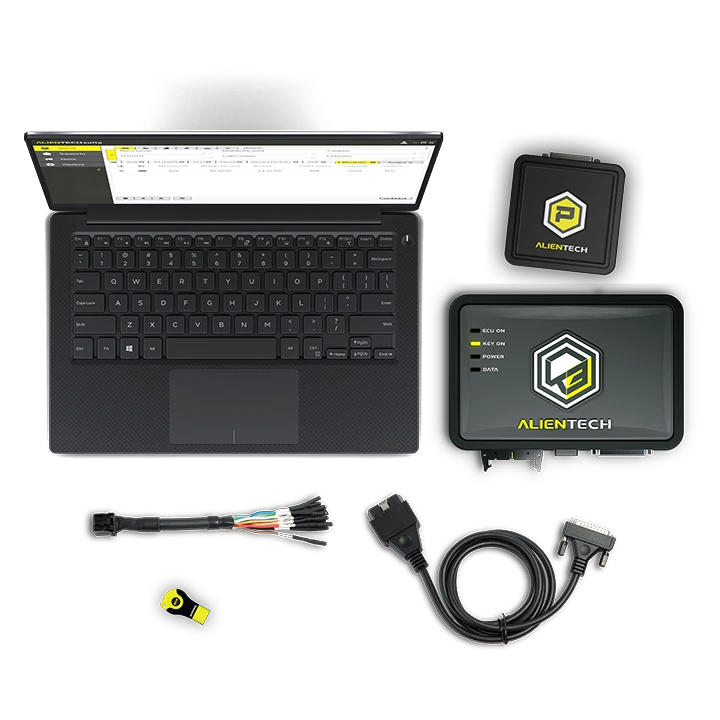
The USB Dongle contains: software, Drivers, project and file database that allows you to work on any PC, even without an internet connection.
Full control of data
Your database is local and always available. You don’t depend on external cloud services—ensuring security and long-term continuity.
How does ECM Titanium 3.0 work?
Read the ECU file with your programmer (OBD or bench).
Import the file into ECM Titanium 3.0. The software automatically recognizes the Driver.
Edit the file using your preferred views: table, 2D, 3D, or HEX.
Save and export the modified file.
Write it back to the control unit using your programming tool.
Alientech Ecosystem
ECM Titanium 3.0 works in synergy with:
KESS3 (for ECU file reading/writing)
Powergate (for fast and streamlined tuning)
A complete solution to deliver reliable and professional calibration and remapping services.
Frequently asked questions
Is ECM Titanium suitable for beginners?
Yes. The software is designed to be simpler and more intuitive than other mapping tools, thanks to Drivers and structured visualizations. However, basic knowledge of engines and ECUs is still required to work safely.
Can I recalibrate without an active subscription?
Yes. The software always works: you can modify any file already stored in your database even if your subscription has expired or credits are finished. What you cannot do is download new Drivers or ORI files.
Why should I renew the subscription?
To get:
access to new Drivers
the ability to download updated ORI files
direct technical support
full access to new features as they are released
Can I work offline?
Yes. The USB Dongle contains the software, Drivers, and database, allowing you to work without an internet connection.
I can’t find the Driver for my file—what can I do?
Open a ticket directly from the software. The Alientech technical team will develop a custom Driver for you. Timing depends on file complexity, but most requests are handled quickly.
Does ECM Titanium work with any programming tool?
Yes. ECM works on complete binary files read by your programmer, regardless of the brand.
If I change PC, do I need to buy a new license?
No. The license is linked to the USB Dongle, not the computer. Simply connect it to any Windows PC to use the software.
Are there courses or support to learn ECM Titanium?
Yes. With Alientech Academy, you can access dedicated training courses, technical support, and Driver development services.
Buy ECM Titanium 3.0 now
With ECM Titanium 3.0, you take efficiency, speed, and quality in your daily work to the next level—without complications, with real support and tools that simplify every step of recalibration.
DynoDrive is a product by Alientech S.r.l., a company with over thirty years of experience in creating tools for chiptuning and recalibration software.